EdgeLM runs AI directly on your device — chat, vision, speech and search, private and offline, shared by every app. Download a model once; any EdgeLM-powered app can use it.
No cloud · no account · no tracking · works offline
Most AI apps send your words to a server. EdgeLM keeps everything on the phone — faster, private, and free of per-request cloud costs.
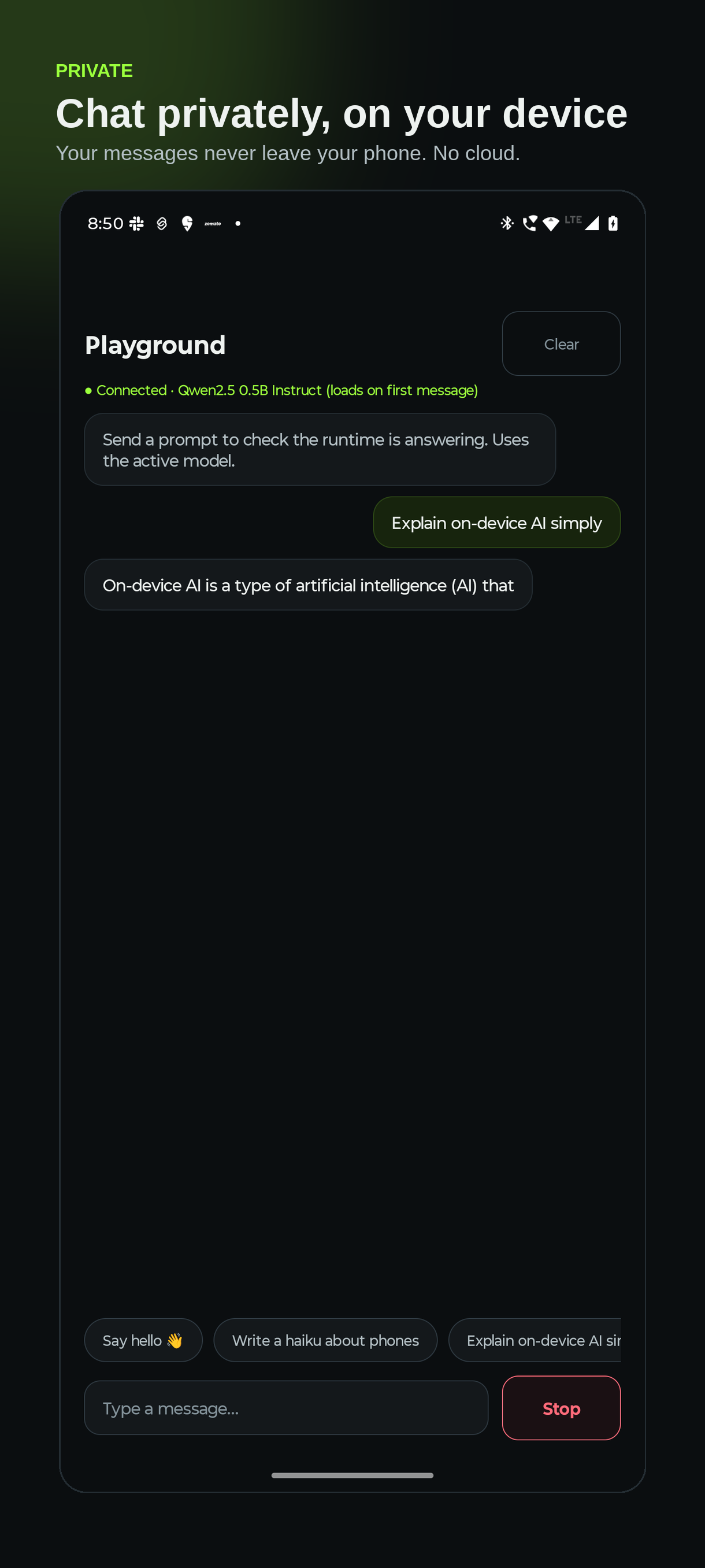
Your prompts and the AI's replies never leave your device. No cloud, no account, no tracking, no ads.
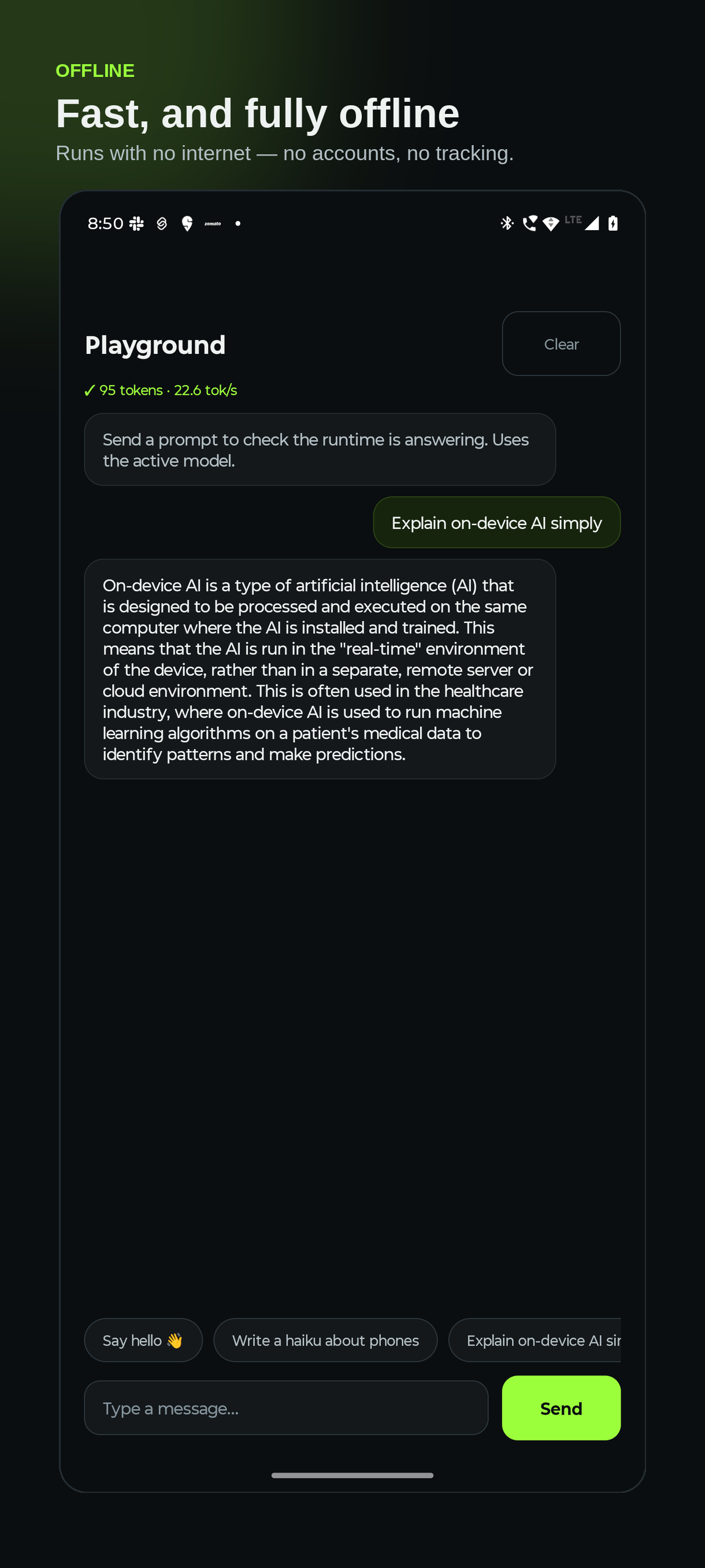
Once a model is downloaded, EdgeLM runs with no internet at all — on a plane, in a tunnel, anywhere.
One model, loaded once and served to every app — so a second app adds almost no extra memory.
Nothing to pay per request and no network round-trips. The compute you already own does the work.
One runtime, five capabilities — each one a model any app on your phone can ask for, and each one gated by its own permission you can revoke.
Streaming conversation with multi-turn memory. Ask a follow-up and it remembers, without resending the whole thread.
Describe a photo, read a screenshot, answer questions about what's in an image — locally.
Live captions as you talk, and transcription that runs faster than people speak. Nothing is uploaded.
On-device embeddings and a local index, so an app can answer from your documents without sending them anywhere.
The model can call tools an app registers — and every outbound call passes the firewall first.
"On-device" only means something if you can see and control what leaves. EdgeLM makes that a mechanism, not a policy page.
Chat, vision, speech and search are separate grants. An app that wants your microphone has to say so, and you can revoke it.
When an agent tries to reach the internet, the destination is checked against rules you set — and data that came from your device is tracked separately.
Every model is checked against its SHA-256 before it's installed. A tampered file is deleted, not loaded.
No accounts, no analytics, no ads. There is no server to send anything to.
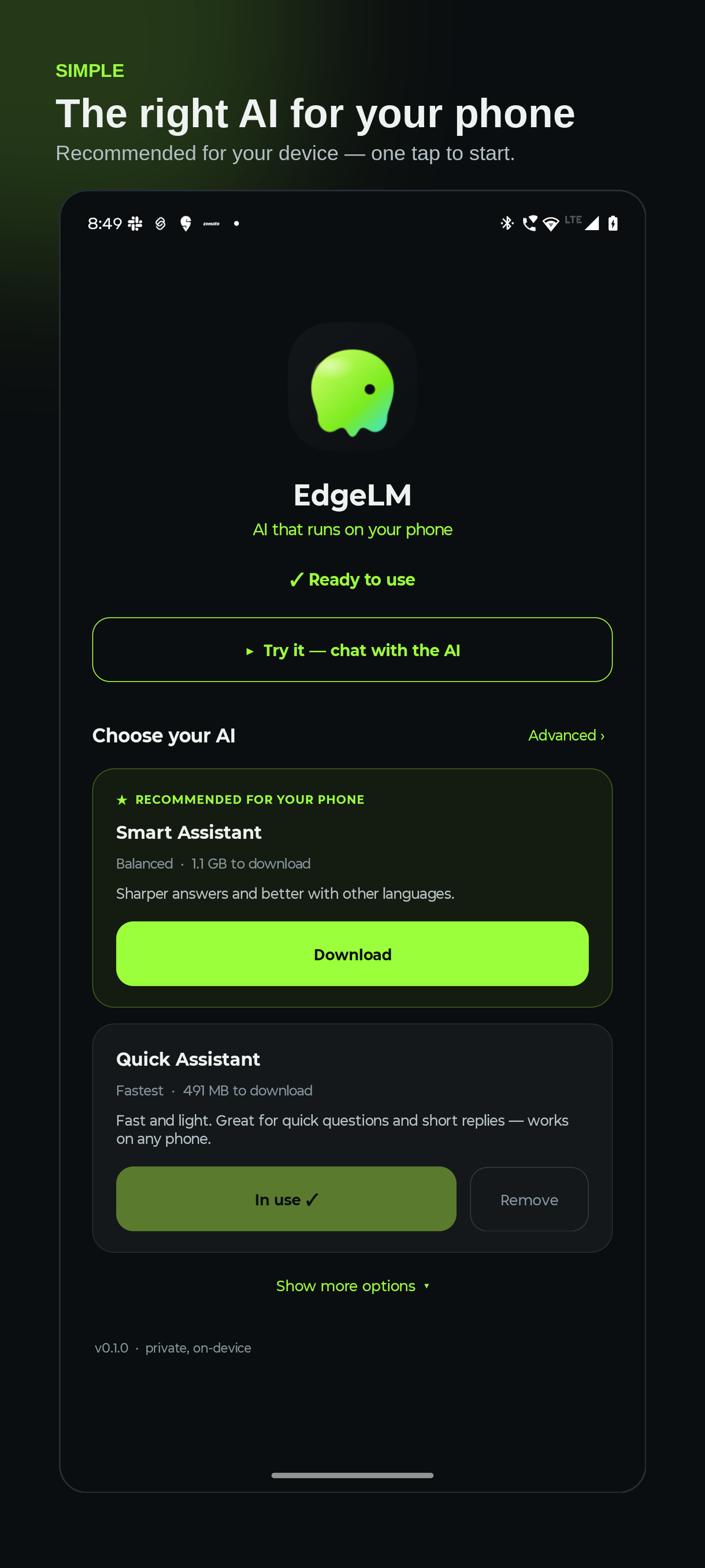
EdgeLM guides you through setup and recommends the right model for your phone.
A quick welcome explains how on-device AI keeps your data private.
EdgeLM suggests the best model for your phone — one tap to download. Power users can switch to Advanced for the full catalog.
Try it instantly in the built-in playground. Any EdgeLM-powered app on your phone can now use AI.
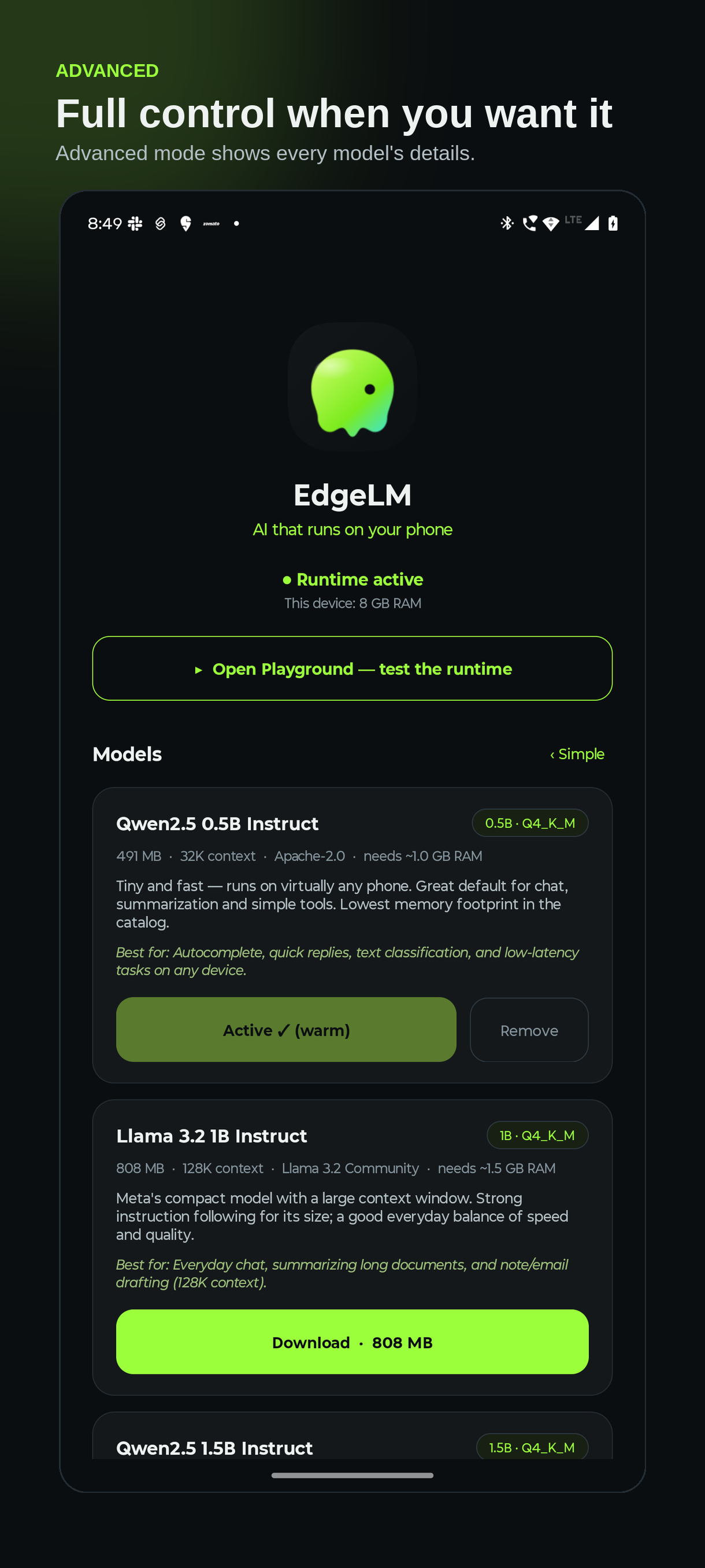
Plain-language by default — download the recommended model and chat. Full model details and controls are one tap away in Advanced.
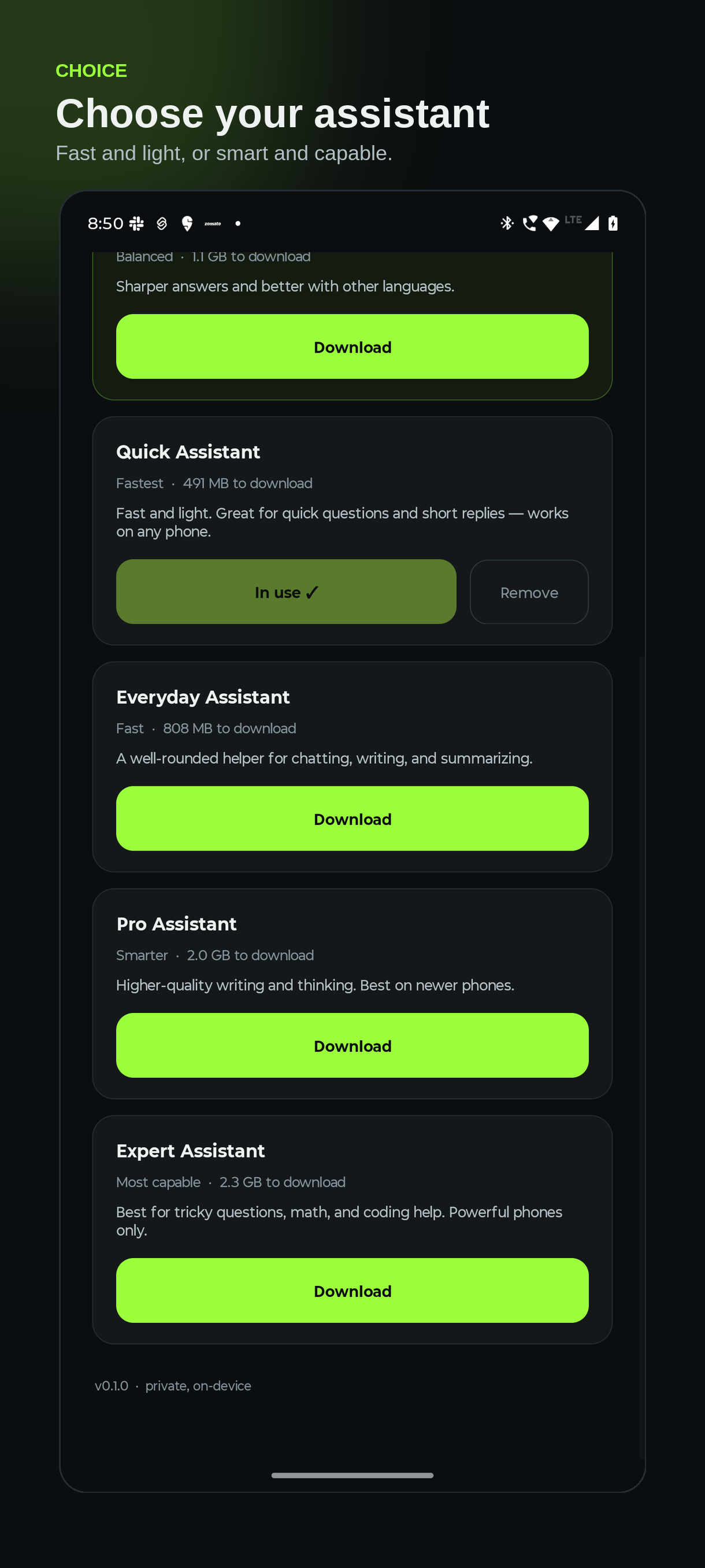
From tiny-and-fast to more capable — each shown in plain language with its size and what it's best for, and a warning if your phone may not have enough memory. Keep several installed and switch instantly.
Fast and light — quick questions and short replies on any phone.
A well-rounded helper for chatting, writing, and summarizing.
Sharper answers and better with other languages.
Higher-quality writing and thinking. Best on newer phones.
Best for tricky questions, math, and coding help.
Vision, speech and search are separate downloads — install only what you actually use, and the runtime loads each one on demand and frees it when idle.
Speech to text, fast enough for live captions as you speak.
More accurate with accents, noise and proper nouns.
Captions photos and answers simple questions about them.
Actually reads screenshots and documents. Newer phones.
Answers questions about a recording — hears tone, not just words.
Understands meaning so apps can search your notes privately.

EdgeLM is a shared runtime — your app calls it instead of bundling and managing model weights. Add the SDK and stream tokens with an OpenAI-style API.
// settings.gradle.kts — JitPack
maven { url = uri("https://jitpack.io") }
// app/build.gradle.kts
implementation("com.github.Chandra-Mauli-Sharma.EdgeLM:sdk:0.2.0")
// every capability is a cold Flow — collect to start,
// cancel the scope to stop. All on device.
EdgeLM.chat("default", "Explain on-device AI", sessionId = "chat-1")
.collect { token -> append(token) }
EdgeLM.caption(context, photoUri) // what's in this image?
EdgeLM.liveTranscribe() // captions as you speak
EdgeLM.askByVoice(wav) // speak a question, get an answer
// graceful if the runtime isn't installed
EdgeLM.promptInstall(context)