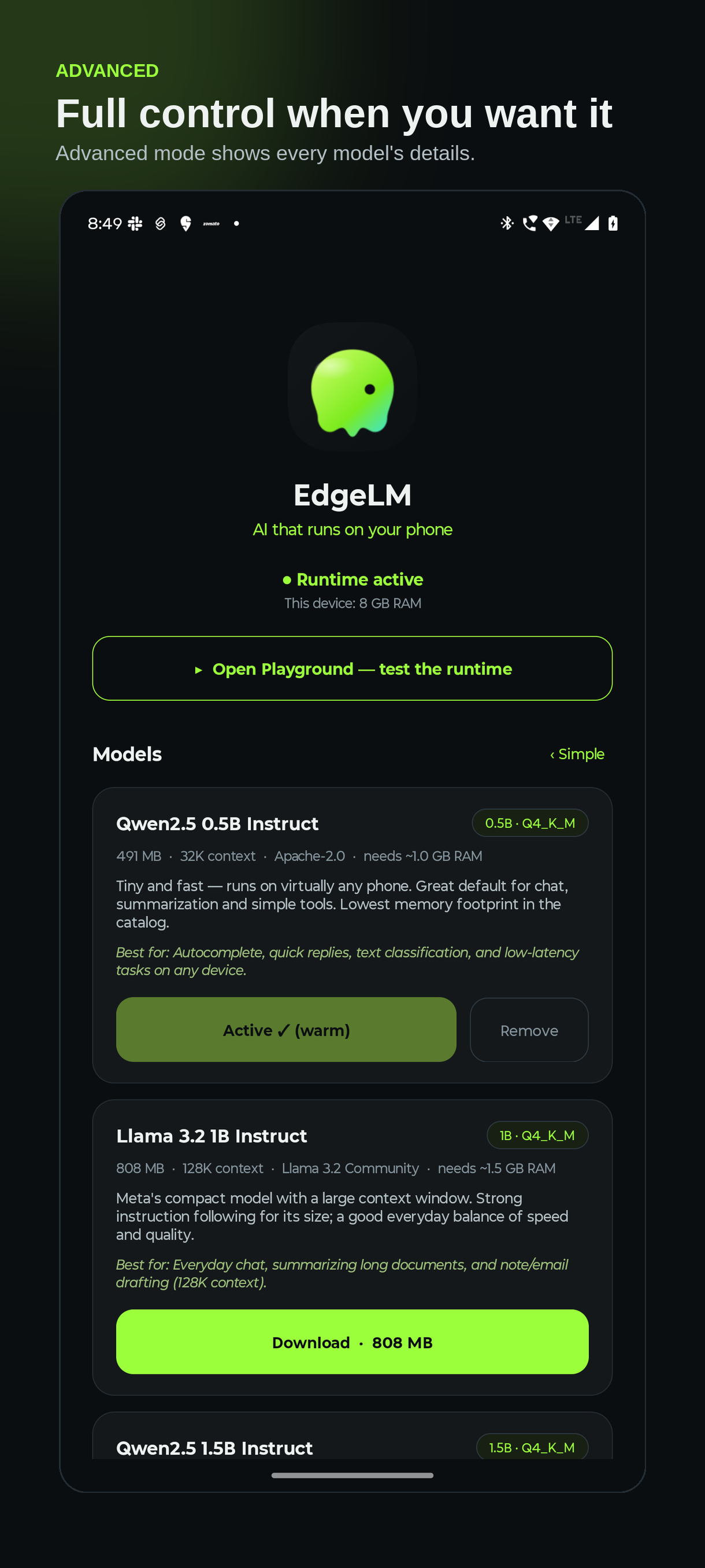
CHOOSE YOUR MODEL
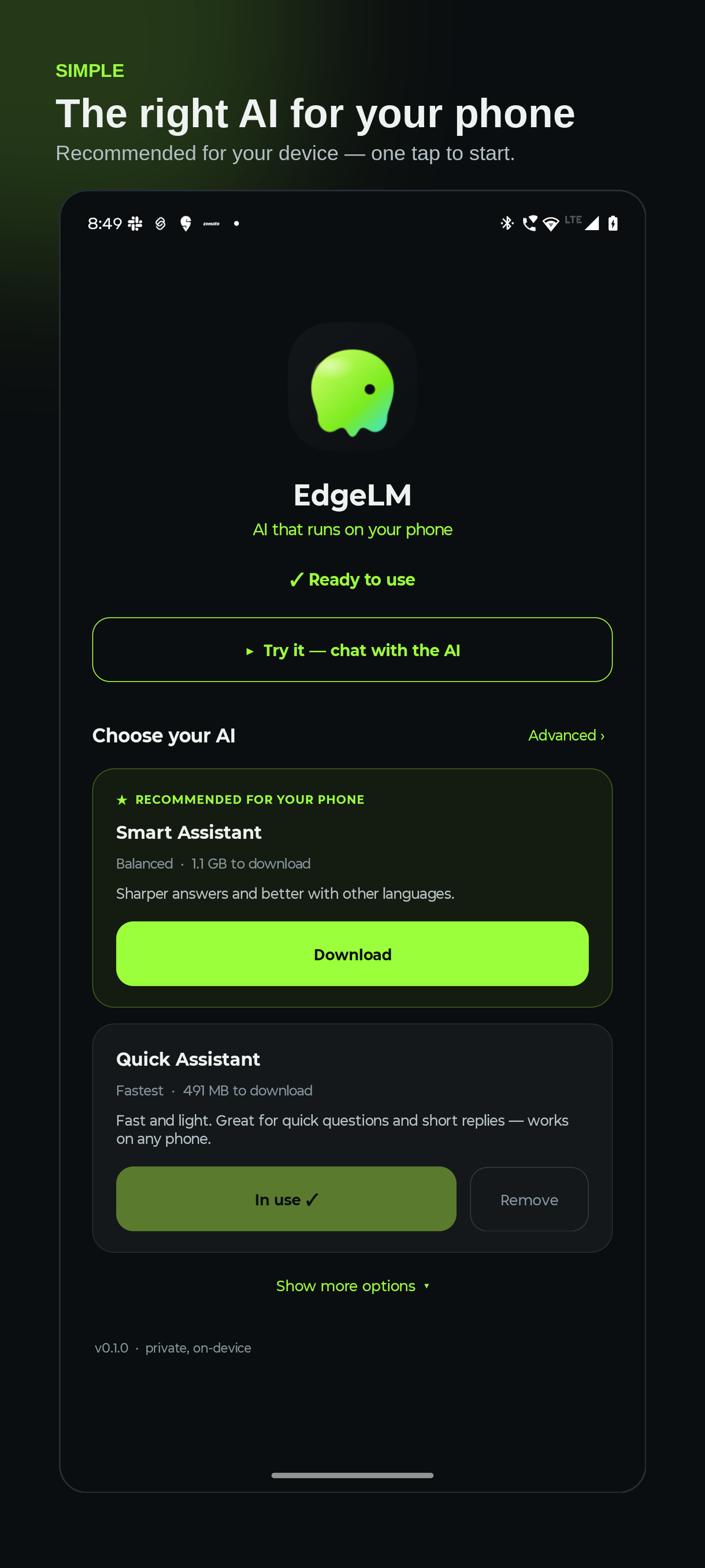
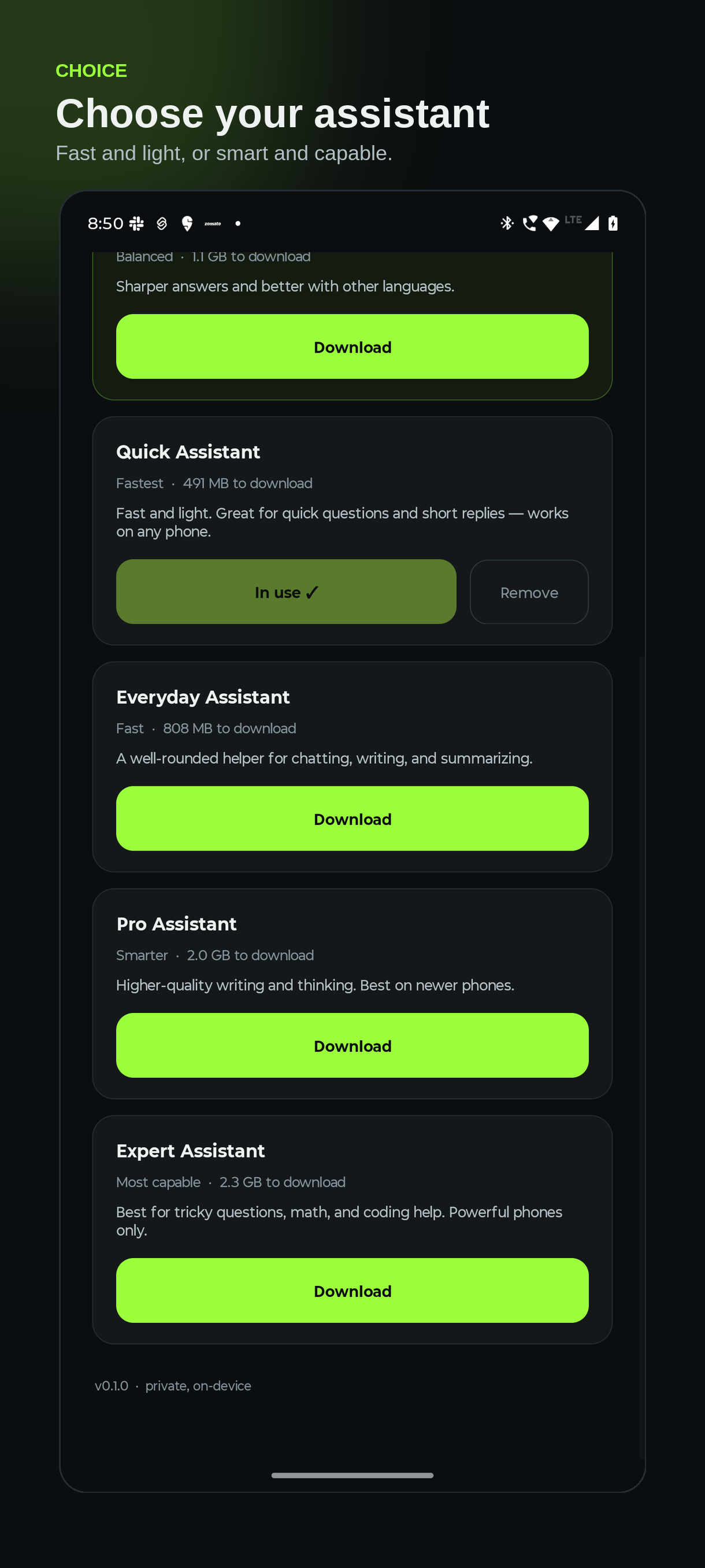
A model for every phone.
From tiny-and-fast to more capable — each shown in plain language with its size and
what it's best for, and a warning if your phone may not have enough memory. Keep several installed
and switch instantly.
Quick Assistant
Qwen2.5 0.5B · Fastest
Fast and light — quick questions and short replies on any phone.
Everyday Assistant
Llama 3.2 1B · Balanced
A well-rounded helper for chatting, writing, and summarizing.
Smart Assistant
Qwen2.5 1.5B · Smarter
Sharper answers and better with other languages.
Pro Assistant
Llama 3.2 3B · Capable
Higher-quality writing and thinking. Best on newer phones.
Expert Assistant
Phi-3.5 mini · Most capable
Best for tricky questions, math, and coding help.
Beyond chat
Vision, speech and search are separate downloads — install only what you
actually use, and the runtime loads each one on demand and frees it when idle.
Quick Listener
Whisper base · 58 MB
Speech to text, fast enough for live captions as you speak.
Careful Listener
Whisper small · 190 MB
More accurate with accents, noise and proper nouns.
Vision Assistant
SmolVLM 500M · Tiny
Captions photos and answers simple questions about them.
Sharp Vision
Qwen2.5-VL 3B · Capable
Actually reads screenshots and documents. Newer phones.
Audio Companion
LFM2-Audio 1.5B
Answers questions about a recording — hears tone, not just words.
Search Brain
BGE small · 34 MB
Understands meaning so apps can search your notes privately.